
Whatever you need. Whenever you need it.
Seriously, it’s that simple.
Download the Gopher Request app today.


One app that makes it all happen.
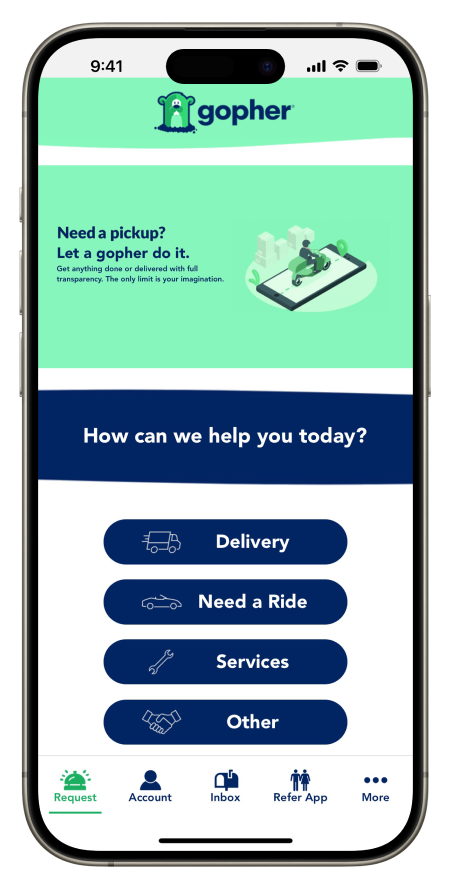
Gopher Request is your go-to- app for finding help with anything imaginable, any time your heart desires. That’s right, you get to call the shots. Just name your price and you’ll be connected with available Gophers in your area within minutes.
Get the app


One app that makes it all happen.
Gopher Request is your go-to- app for finding help with anything imaginable, any time your heart desires. That’s right, you get to call the shots. Just name your price and you’ll be connected with available Gophers in your area within minutes.
Get the app
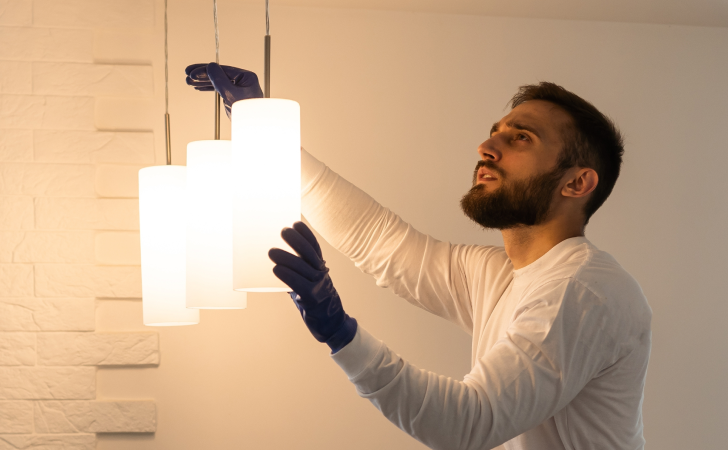
Can I Gopher that? You bet.



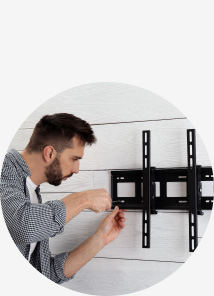


The possibilities are littttttttterally endless.
Download the Gopher Request app today.
You’re just a few small steps from a very big smile.

Tell us a little about what you need.

Set your price or ask for a bid from a Gopher.

Give us the deets on when and where.

Relax while your Gopher gets it done.
Safety first! Check yourself!
Help make the Gopher Marketplace even more awesome for everyone by confirming your identity.

Wanna save money with certain requests and give Gophers a higher sense of security? Verify your profile with a TrustShield™ badge through the Gopher Request app.
Learn more about TrustShield™


Pro tip! Look for Gophers sporting a shiny Gopher Pro or Gopher Pro+ badge on their profile to hire the most trusted helpers in town.
Learn more about Gopher Pro™

Wanna work for YOU?
Become a Gopher!
Clock in and out whenever you please. Pick the jobs you like and leave the rest. Know what you’ll make aherad of time and get paid right away. Gopher Go sounds pretty sweet, huh?
Get the app
Got questions? We’ve got answers.
What are your hours?
Gopher Requests are available 24/7/365. If there is a Gopher Go request and a Gopher available, we go to work!
How is Gopher different than other Home Services providers.
Most people have been conditioned to Google the type of service they need for the home (or ask for recommendations on their favorite social platform). Either way it’s you that ends up having to search for all the help. On the Gopher Marketplace, you list the service you need done, for the price you’re willing to pay (or you can ask for a bid) and the help comes to you. You can then see each workers ratings, reviews, work history and recommendations to make your selection.
Home Service providers on the Gopher Go app will find it refreshing that they don’t have to pay for leads to see jobs, they’ll know exactly how much they’re being paid for a job before starting and are paid immediately once the job is complete.
I meant to sign up for Gopher Go but signed up for Gopher Request - how do I change that (or vice-versa).
If you inadvertently signed up for the opposite Gopher app, don’t sweat it. Your Gopher profile applies to both apps. Just download the correct app and sign in with your phone number, apply the OTP and you’re all set!
How can I refer friends to Gopher?
At the bottom of the apps home page, you’ll see a Refer App icon. When you open the link, you’ll see your referral code. When you refer friends via the Message and/or Email feature, you will see a “check referral status,” showing all pending SMS and Emails sent, as well as those who signed up from your referral link.
Got questions? We’ve got answers.
What are your hours?
Gopher Requests are available 24/7/365. If there is a Gopher Go request and a Gopher available, we go to work!
How is Gopher different than other Home Services providers.
Most people have been conditioned to Google the type of service they need for the home (or ask for recommendations on their favorite social platform). Either way it’s you that ends up having to search for all the help. On the Gopher Marketplace, you list the service you need done, for the price you’re willing to pay (or you can ask for a bid) and the help comes to you. You can then see each workers ratings, reviews, work history and recommendations to make your selection.
Home Service providers on the Gopher Go app will find it refreshing that they don’t have to pay for leads to see jobs, they’ll know exactly how much they’re being paid for a job before starting and are paid immediately once the job is complete.
I meant to sign up for Gopher Go but signed up for Gopher Request - how do I change that (or vice-versa).
If you inadvertently signed up for the opposite Gopher app, don’t sweat it. Your Gopher profile applies to both apps. Just download the correct app and sign in with your phone number, apply the OTP and you’re all set!
How can I refer friends to Gopher?
At the bottom of the apps home page, you’ll see a Refer App icon. When you open the link, you’ll see your referral code. When you refer friends via the Message and/or Email feature, you will see a “check referral status,” showing all pending SMS and Emails sent, as well as those who signed up from your referral link.

Gopher is the on-demand community marketplace app that quickly and easily connects humans with local drivers, experts, handy-people, and others who can help.
Download the Gopher Request app today.
Whatever you need.
Whenever you need it.™
Get it done with Gopher Request.